MSI keyboard programming
Introduction
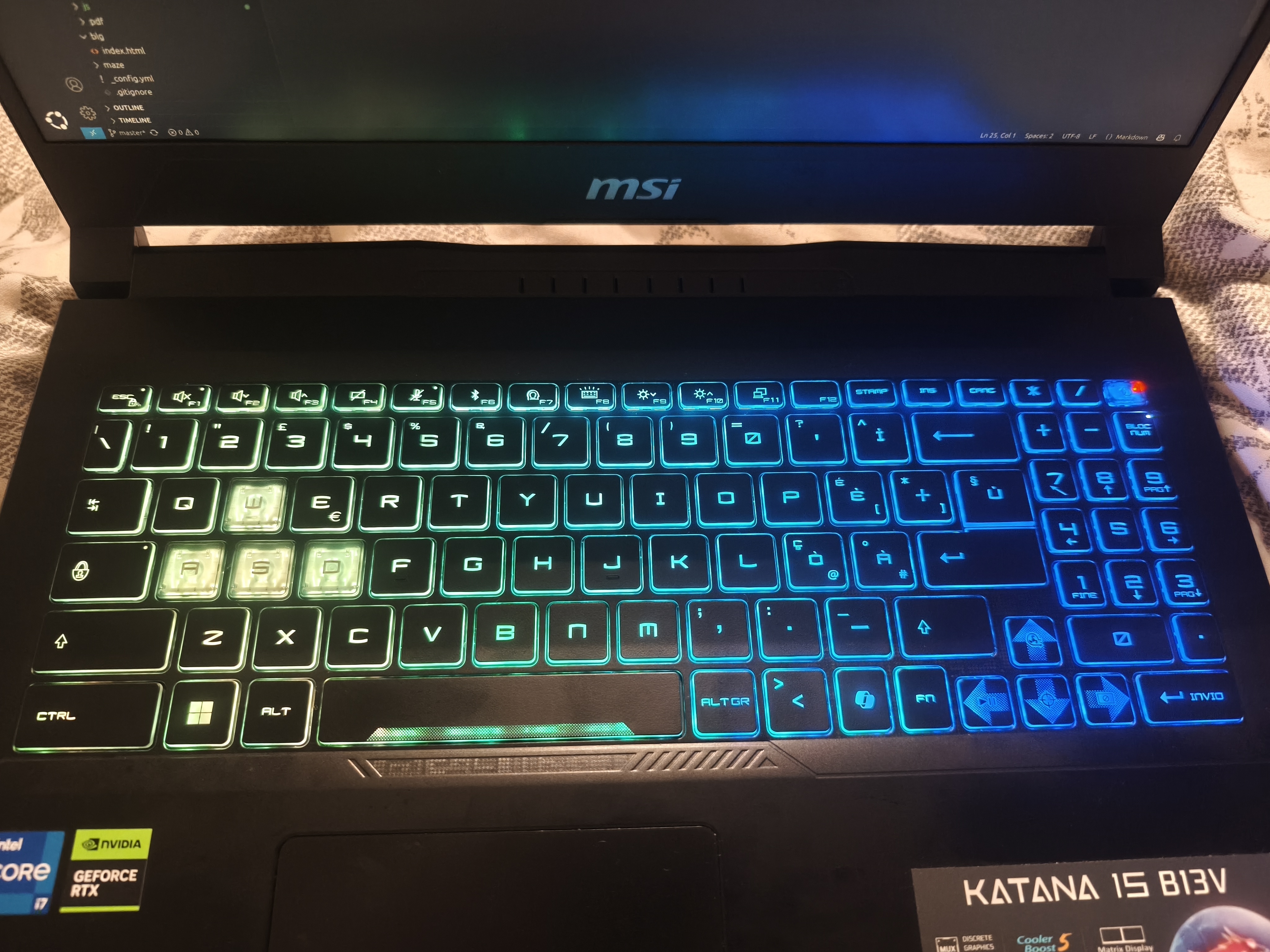
I bought a MSI laptop, where the keyboard is full of LEDs. Yet, I am using Linux, and there is no native support. So I looked for a way to control it.
Get the Keyboard ID
lsusb
Among the output lines, I got:
Bus 001 Device 003: ID 1462:1601 Micro Star International MysticLight MS-1565
MysticLight MS-1565 is the name of the keyword.
So, now I have the reference, 1462:1601 or MysticLight MS-1565.
1462is the vendor ID (VID) of MSI (so not that interesting)1601is the product ID (PID)
Mystic SDK
By searching “Mystic”, I found the official documentation.
But this is for Windows only …
Software for Linux
At first, when I launched the software, nothing appeared, no keyboard detected… I got a weird error about I2C kernel stuff that I apparently needed to fix.
I looked at the list of supported devices by searching for my VID/PID
OpenRGB - List of supported devices
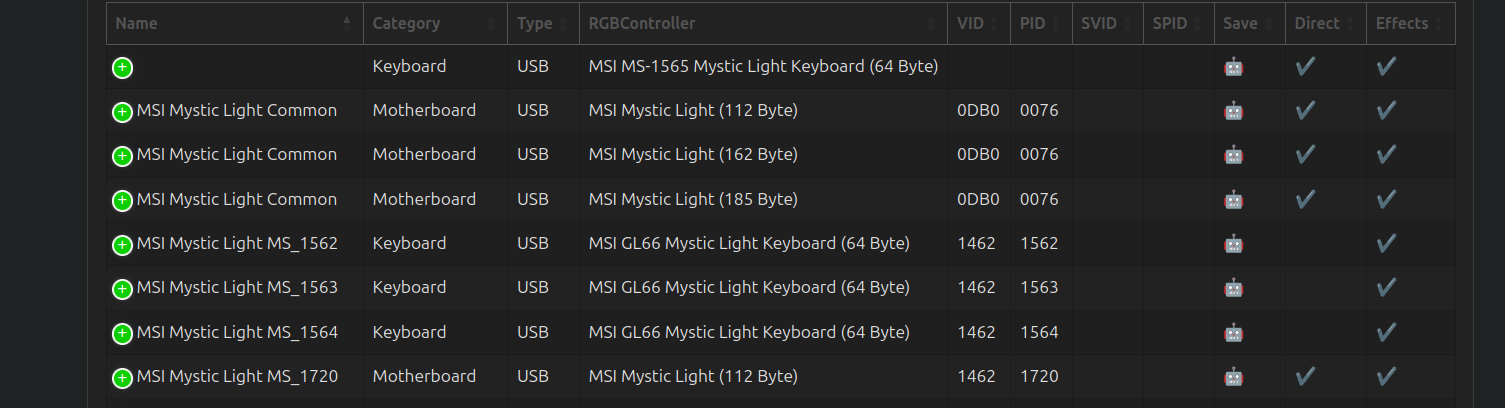
It took me some time to figure out that the name of the keyboard was registered, but not the PID/VID…
Running the software with sudo and reading the documentation helped me get the software running.
From GUI to CLI
The software helps you configure some effects, but it is very manual, even if you can save some config. I wanted a command-line tool that lets me configure the effects with functions, not with a color picker.
I recently got a Claude subscription. I gave it the task of creating a Python wrapper that allows me to interact only with my keyboard (I am not interested in other keyboards; I have a single computer).
Prompting Claude Code
This single prompt did the job:
Hello, this repo, OpenRGB, allows you to control keyboard lights on Linux. They support a wide range of keyboards. Mine is a MysticLight MS-1565, which is supported. I would like to
  program the LEDs with a Python script, not a GUI. Therefore, I would like you to create a folder py_wrapper, where you create a class to interact with my keyboard,
  and put all the necessary files there. This folder can be moved outside of here, to be reused on its own. Please search the necessary elements and implement a simple Python class
  to interact with
It took 5% of my 5-hour team credits to get a basic example running.
It created 3 files for me:
- one file with the constants
- one file with the controller interface (the class that helps interact with the keyboard)
- one example file, a basic way to switch the colors of the LEDs.
Then I asked for a bunch of other things: create more effects, make the repo more organized, create a simulator (so I can test programming patterns while not being on my personal computer)
You can check the project on GitHub
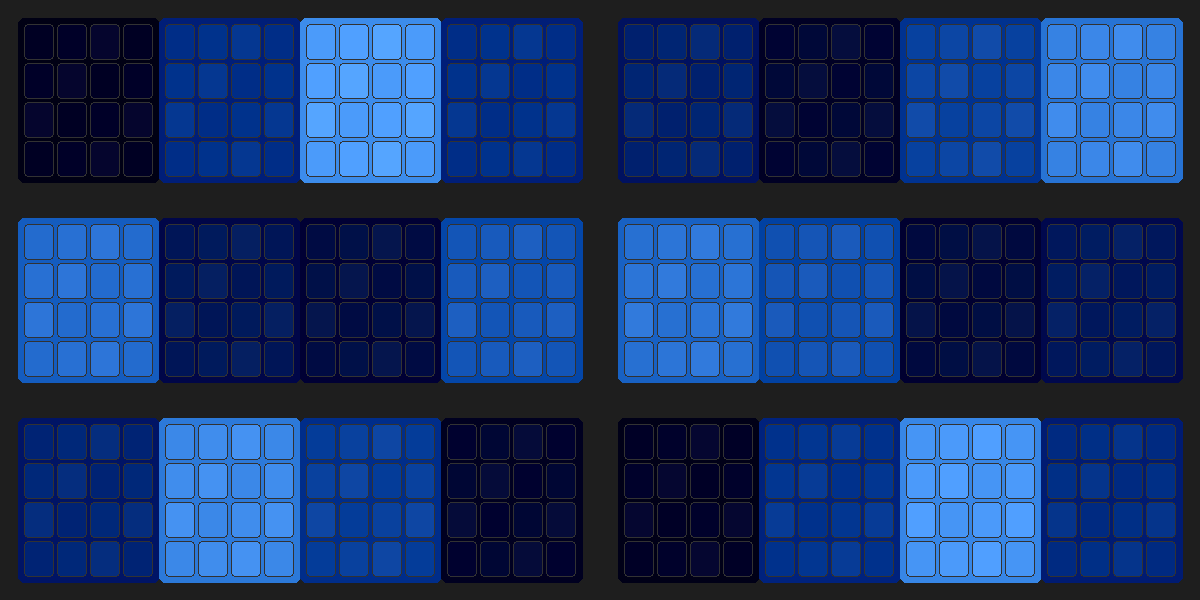
Here is an output from the simulator.
>> You can subscribe to my mailing list here for a monthly update. <<